Appearance
Redirecting Custom Hostnames
Once you have configured a Custom Hostname, you have full control over the feed URL and paths (where they go).
At some point you may want to change the path name of a URL from say /oldpodcastname to /newpodcastname.
Step 1
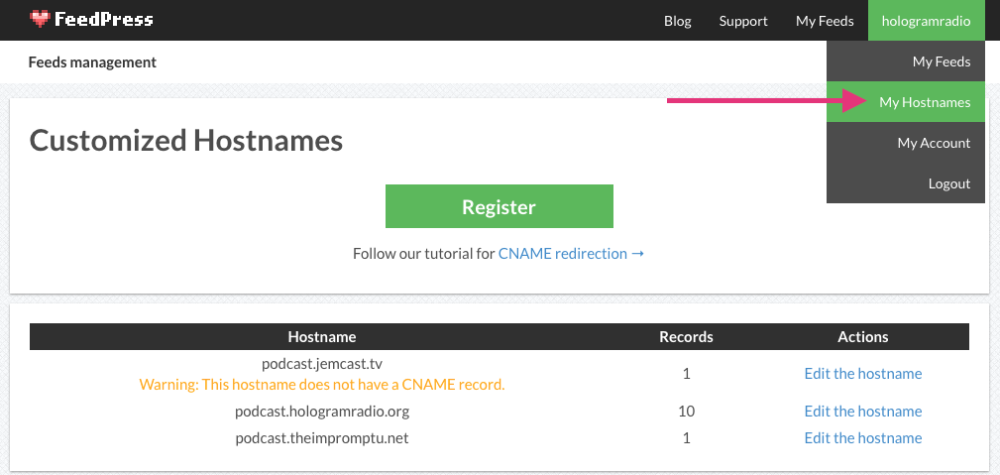
Go into your My Hostnames settings.
Step 2
Add a new feed path with the new name you want, pointing to the correct feed.

Step 3
Delete the old feed path.

Step 4
Now you must add a redirection from the old path to the new one.
