Appearance
Exporting your analytics data via Dropbox
Step 1
You can enable Dropbox integration in your FeedPress account to automatically export your analytics on a daily basis.
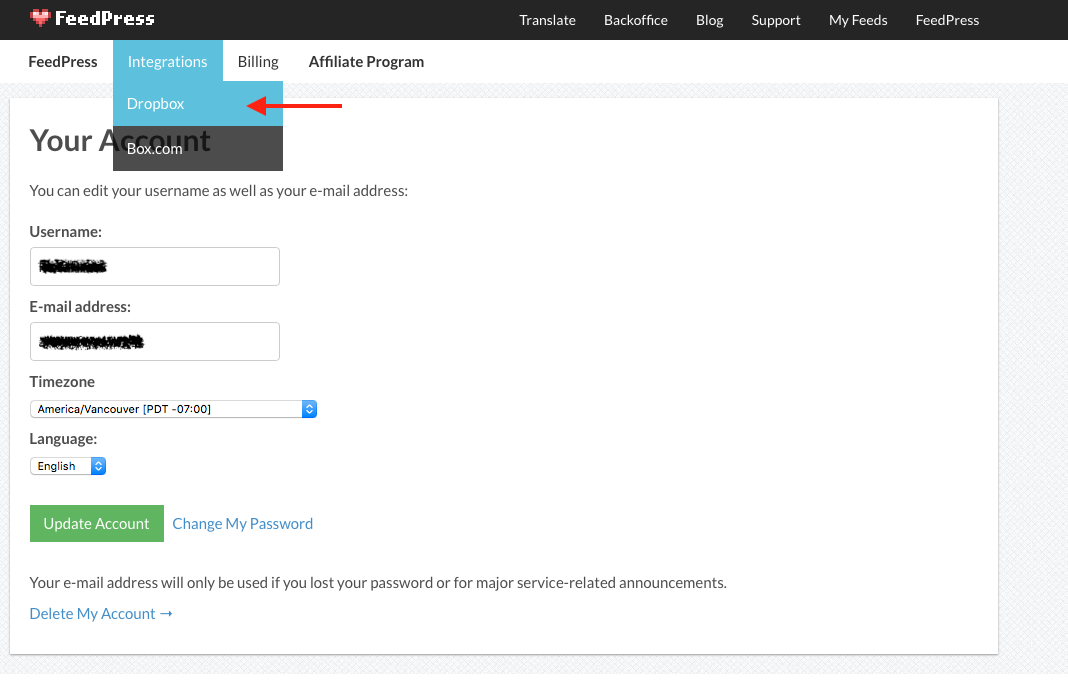
Go to My Account under the FeedPress dropdown menu (top right).
Select Dropbox from the Integrations dropdown menu.
Step 2
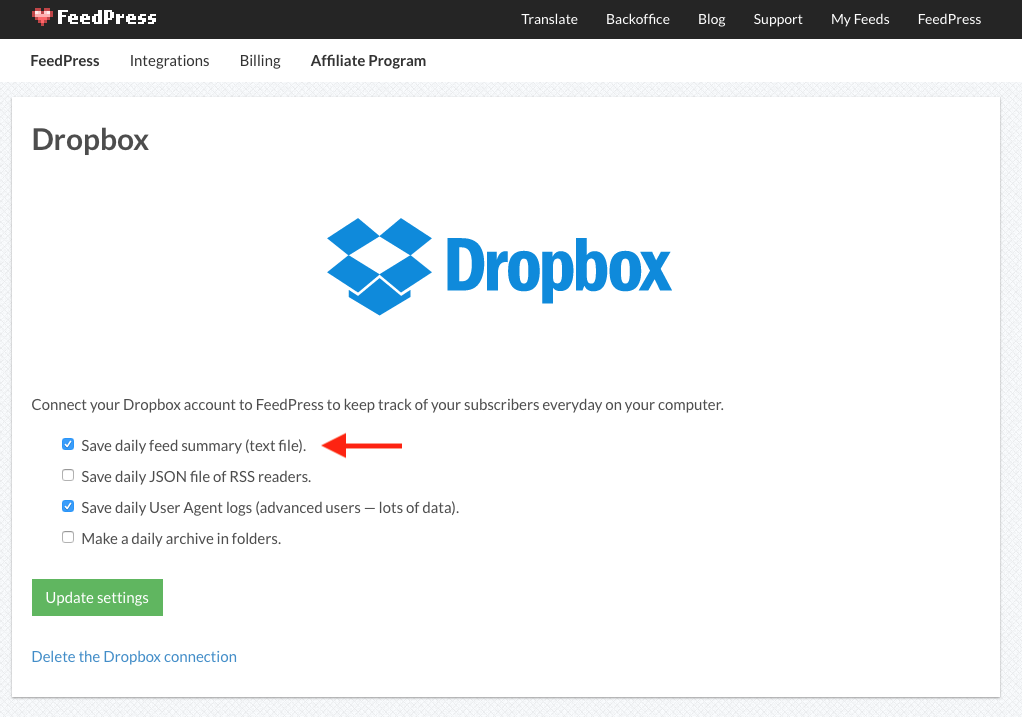
Choose the options you want. For example, you can select to save a daily feed summary via plain text file or JSON file (for advanced users).
Make sure to update your settings when you're done!